The field app
Warehouse Maverick™
The offline-first app that runs the warehouse floor — receiving, scanning, and transfers that keep working when the connection doesn't, syncing to the ERP the moment it's back.
Built for the dock floor, not the office
Warehouse Maverick installs straight from the browser — no app store, no IT rollout. It's the same app whether a device is online or not: every scan, count, and receipt saves locally first and syncs to the ERP automatically the moment a connection is available. Nothing waits on Wi-Fi to get work done.
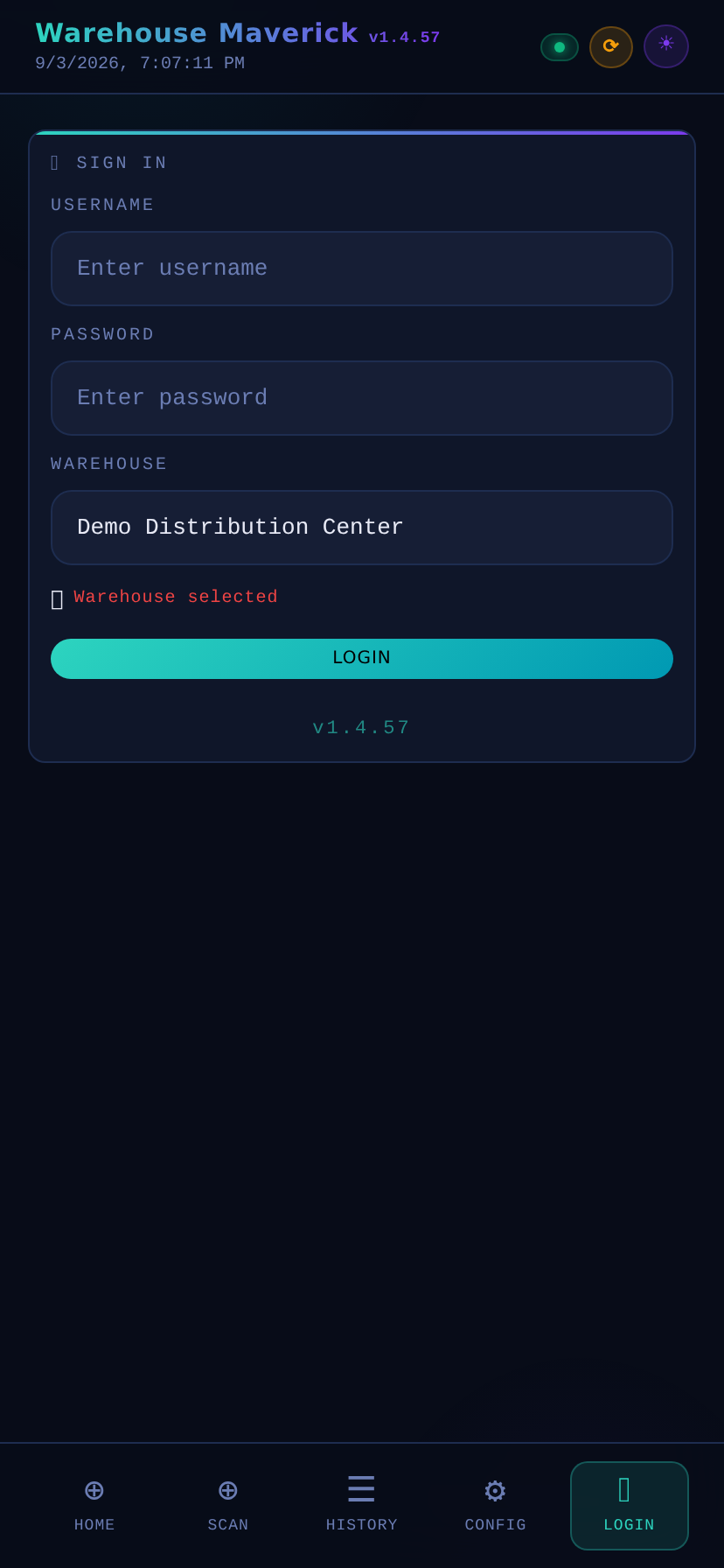
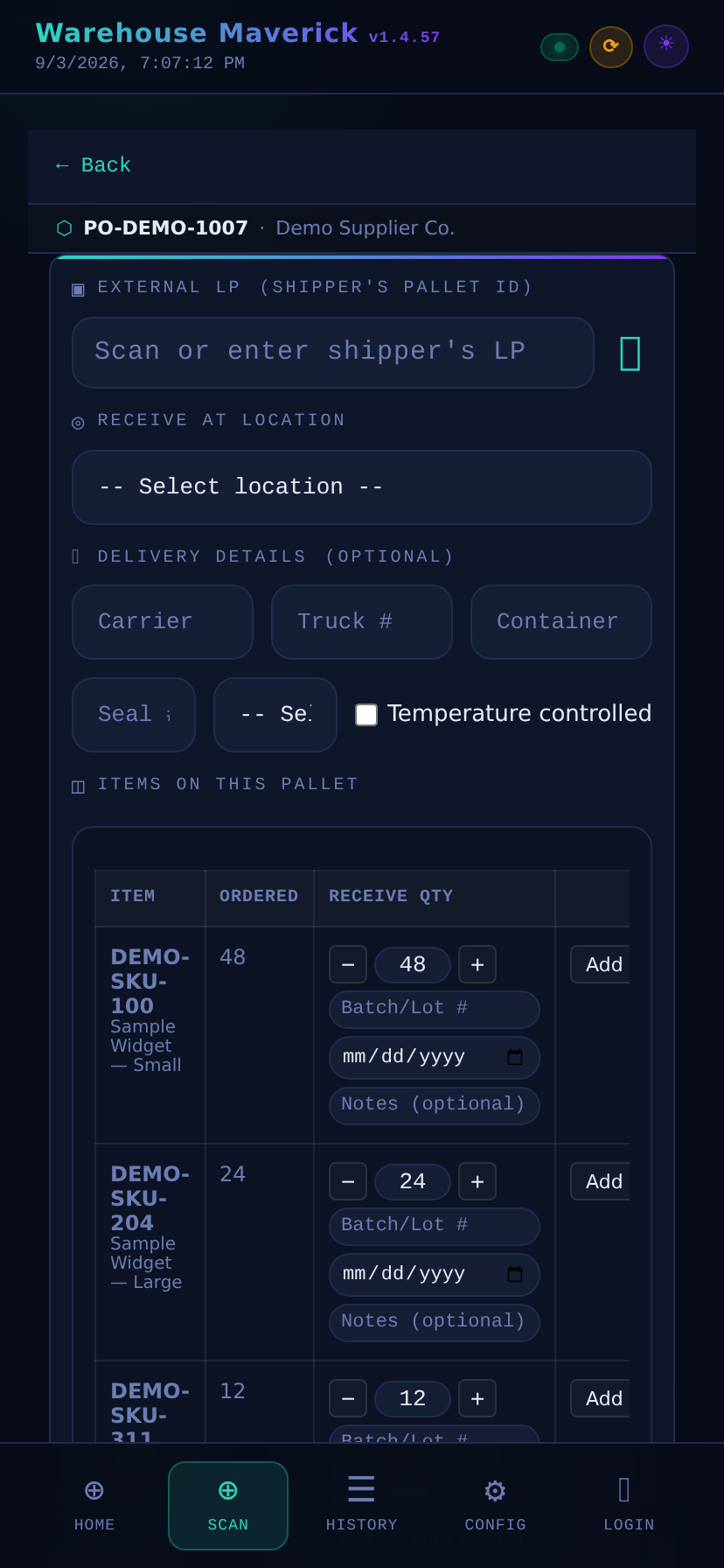
Screens shown with sample data for illustration.
What runs through the app
Offline-first receiving
Scan a supplier pallet, capture items and quantities, and keep working with no signal. It syncs the moment connectivity returns.
GS1-128 scanning
Batch/lot and expiry auto-fill straight from the barcode — no re-typing what's already printed on the label.
Batch & FEFO tracking
Every pallet carries its batch and expiry through the whole floor. Picking always favors the soonest-to-expire stock.
Transfers & putaway
Move pallets between zones — staging, storage, picking — with every move tracked by LP, visible in the ERP.
Pallet labels, printed on the spot
A Code 39 label prints at the point of receipt — LP, supplier, item, batch, expiry, and quantity, all on one label.
Instant pallet lookup
Scan any LP barcode or QR code to pull up the full receipt record — items, batch, expiry, and current location.
Warehouse Maverick is part of the platform
Receiving, labeling, and floor operations captured here sync straight through to the rest of the platform — inventory, reconciliation, and the ERP.
See what else is in the platform →